Blocks adult sites and keywords
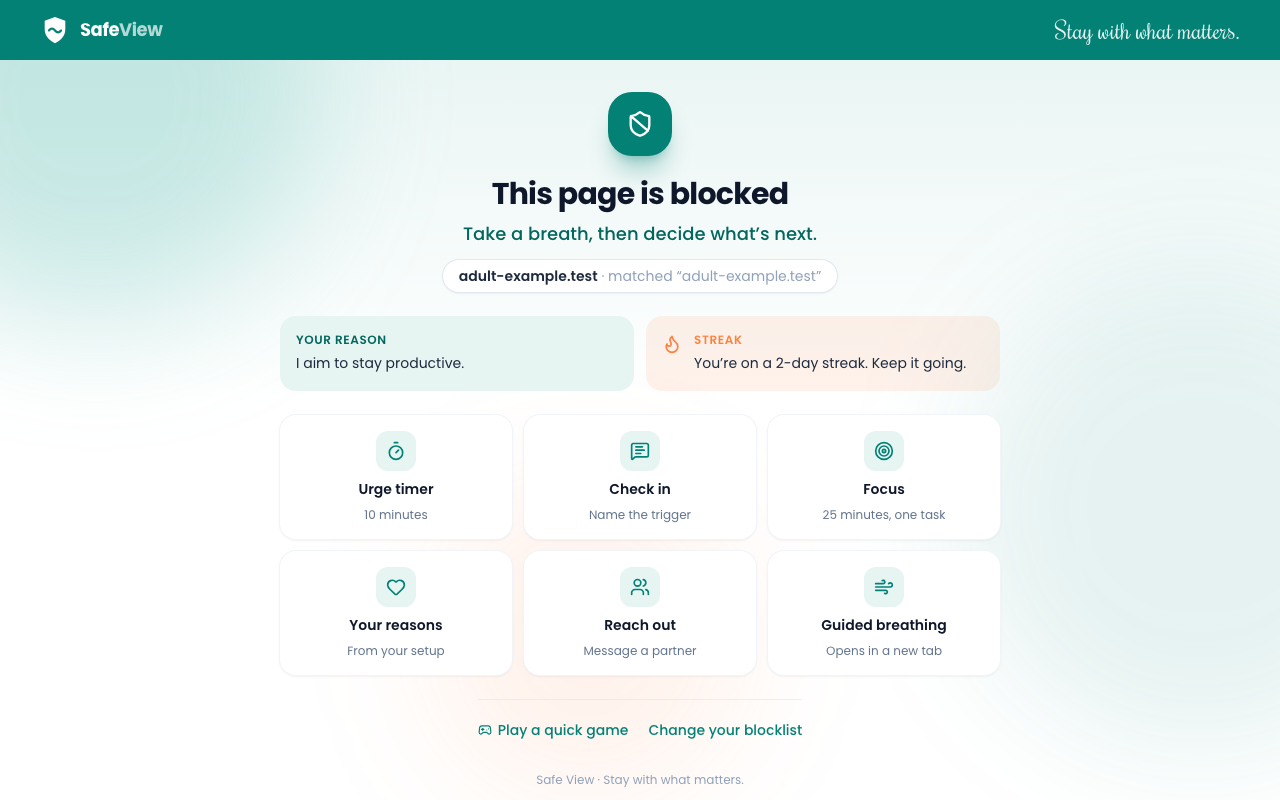
Adult websites and keywords are stopped before the page loads. Add your own sites and words to your blocklist whenever you need.
Safe View blocks adult sites and keywords before they load, then helps you ride out the moment when an urge hits.
No account needed. Your browsing stays on your device.
Works in Chromium browsers
Set it up once. Safe View checks every page you open and every search you make.
Adult websites and keywords are stopped before the page loads. Add your own sites and words to your blocklist whenever you need.
Google, Bing, Yahoo, DuckDuckGo and Facebook search move to their strict safe-search modes automatically.
Keep the sites you need open for work or study. Anything on your whitelist stays open, even if it matches a rule.
Whether you're working on your own habits or helping someone else, Safe View gives you the same protection.
Fewer distractions during study sessions, with a focus timer for the moments you need to get back to work.
A clean browser at work. Keep the sites you need open with the whitelist, and block the rest.
A safer home internet for the whole household, with safe search switched on for every major search engine.
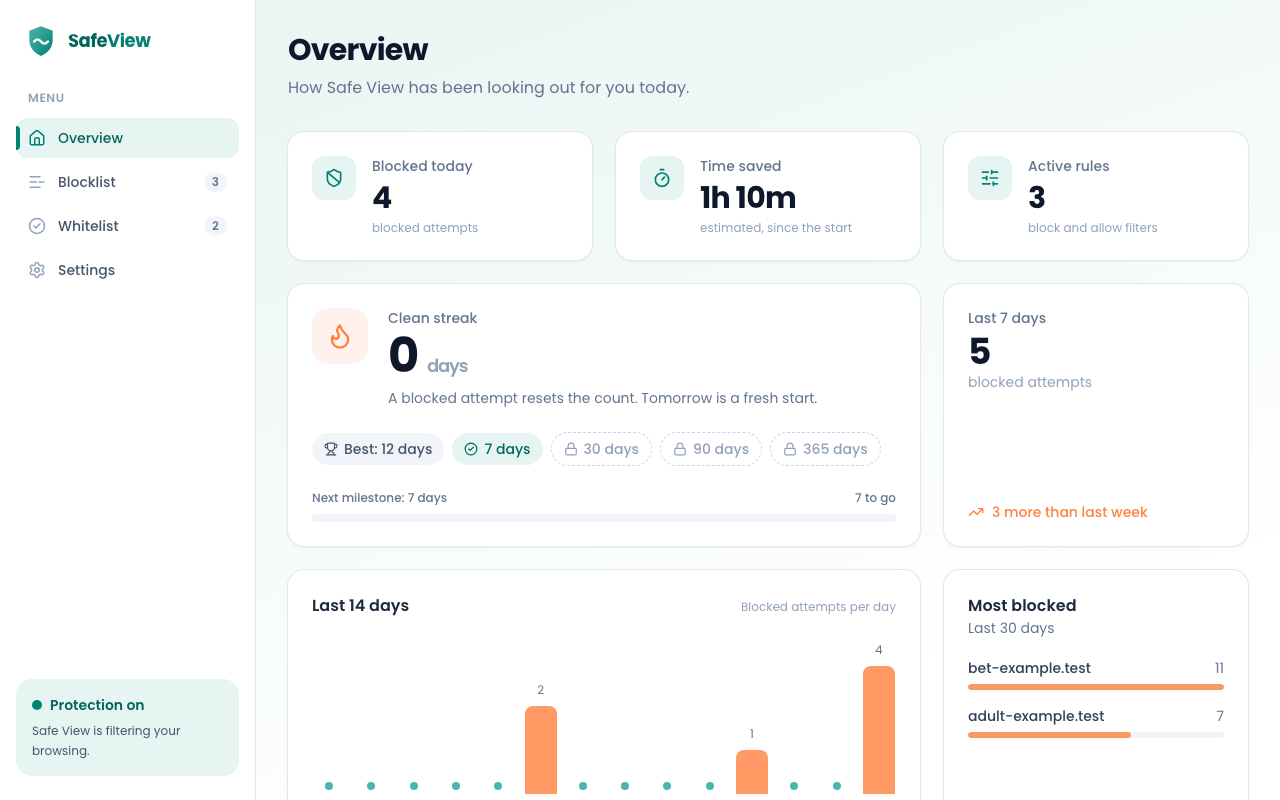
Track clean days, see your streak and milestones, and spot the triggers that come up most often.
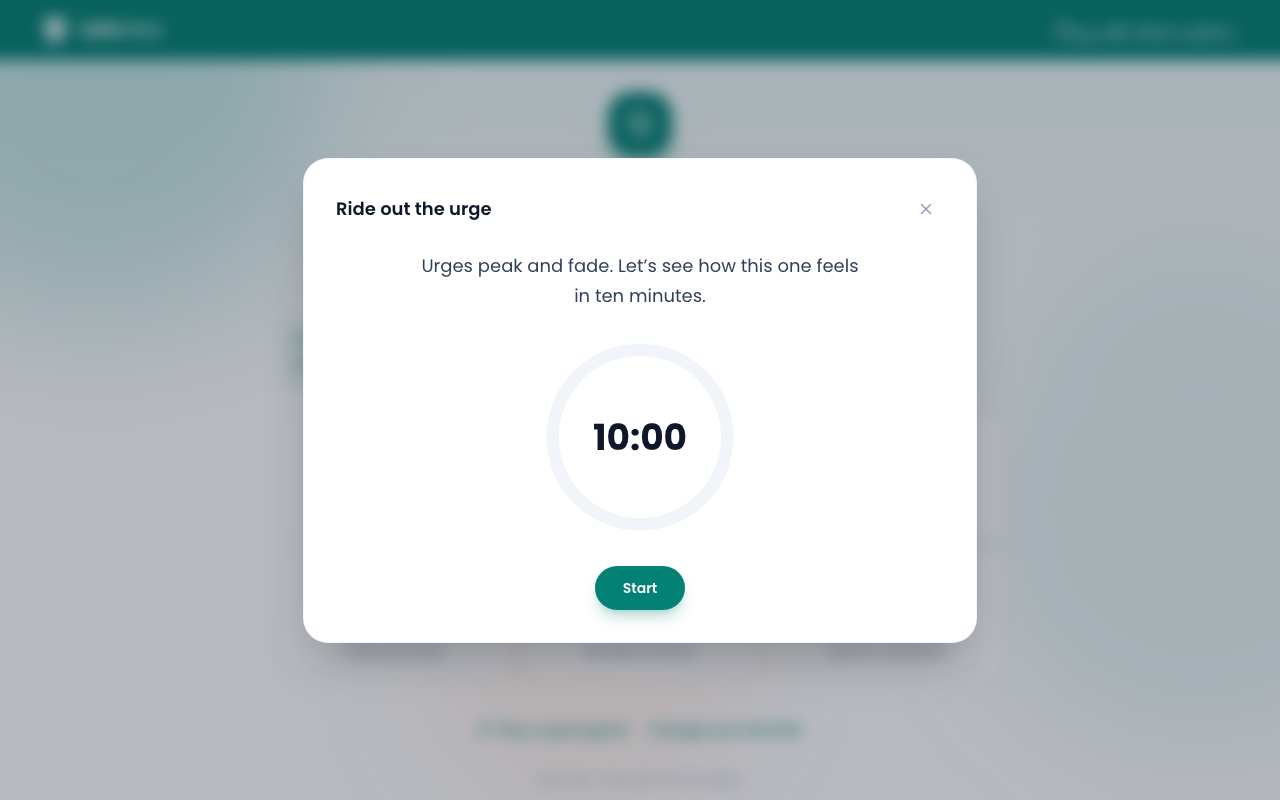
Blocked pages don't just stop you. They give you something to do next, one tap away.
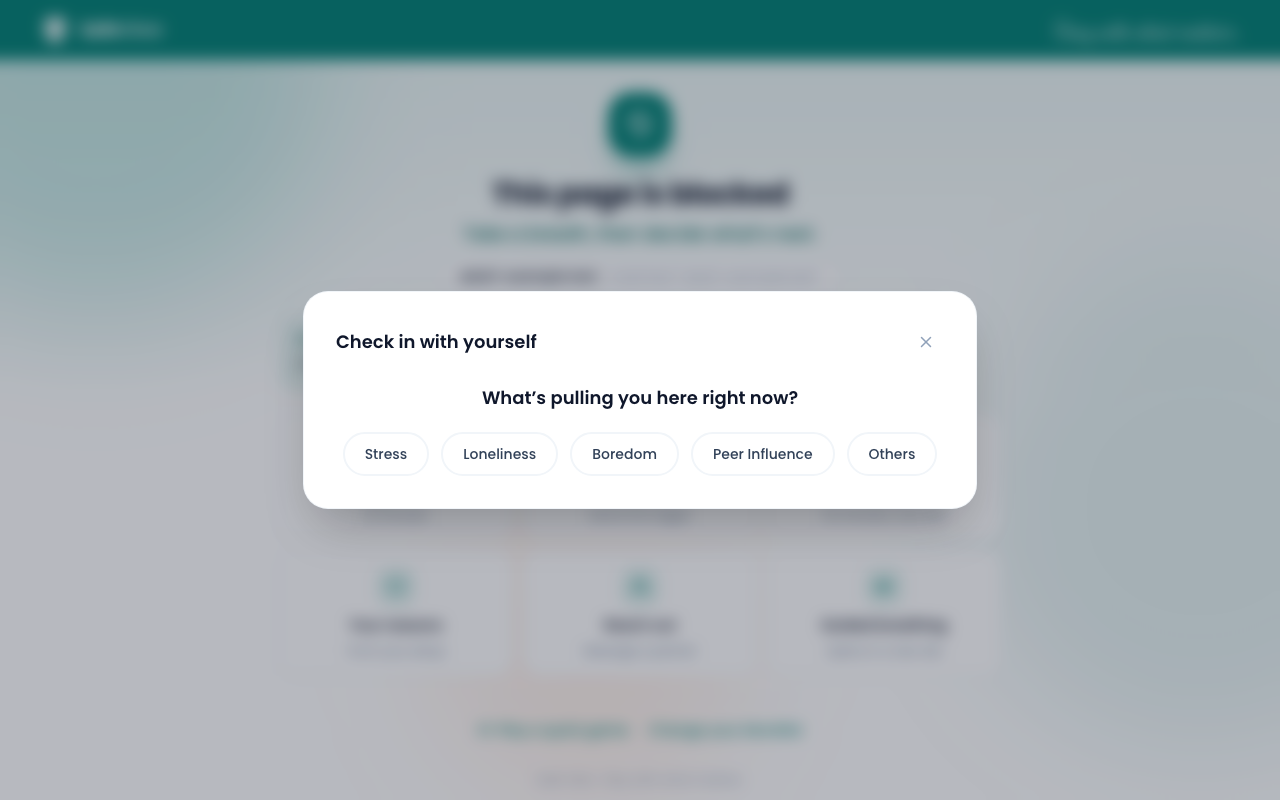
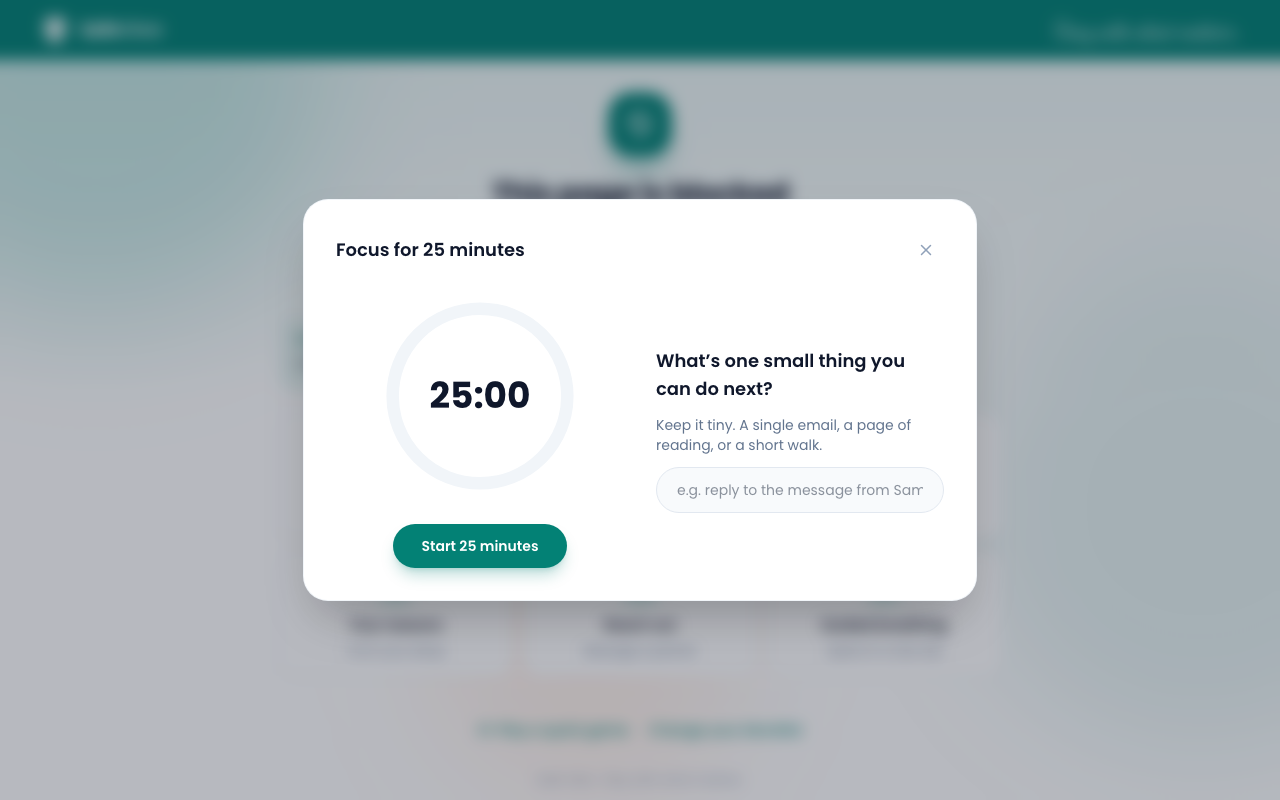
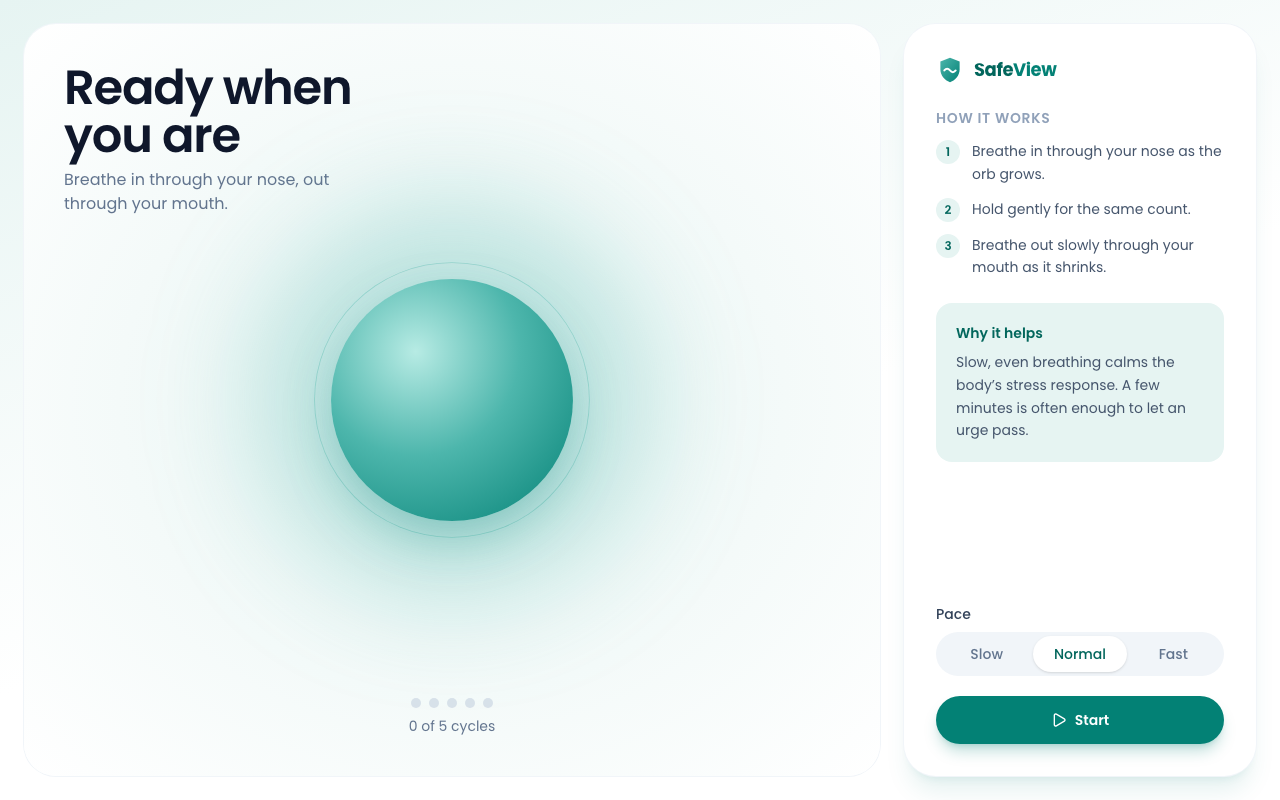
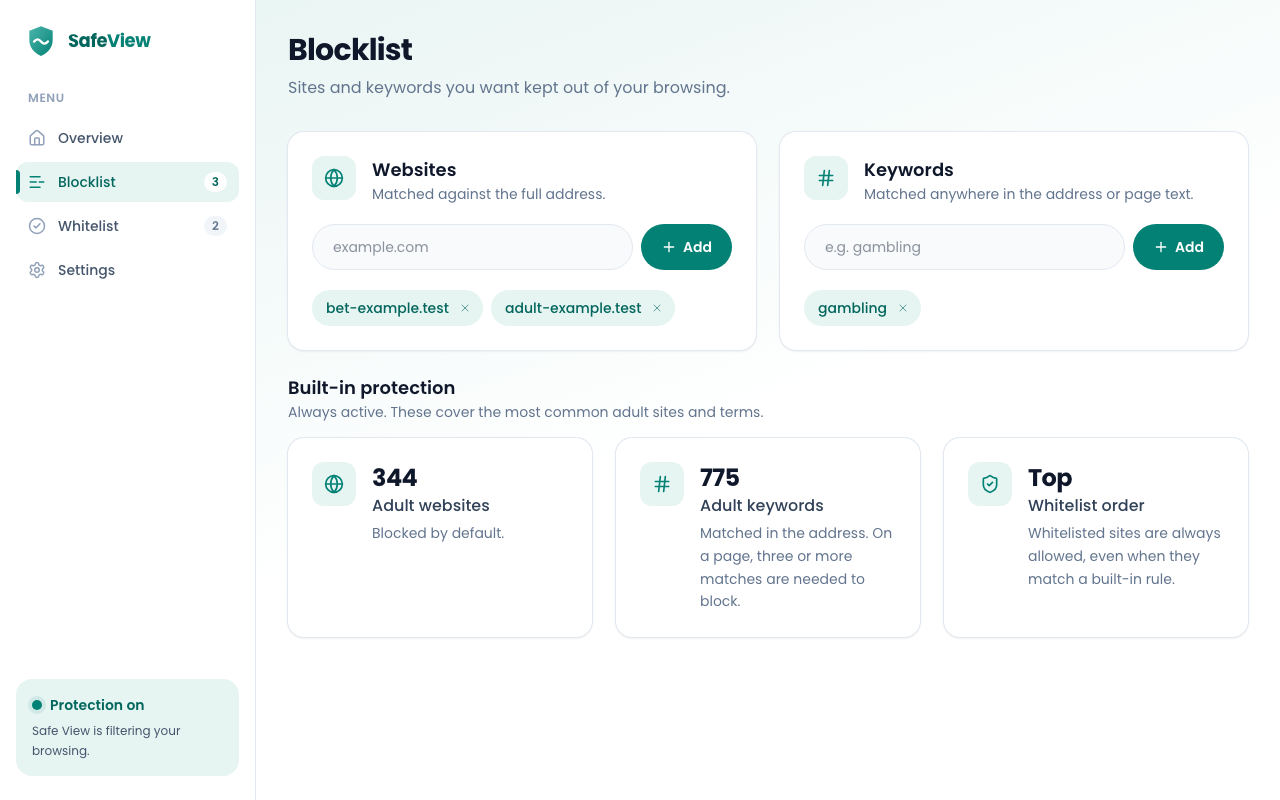
Your dashboard shows how you're doing, where pressure builds, and when check-ins happen most.
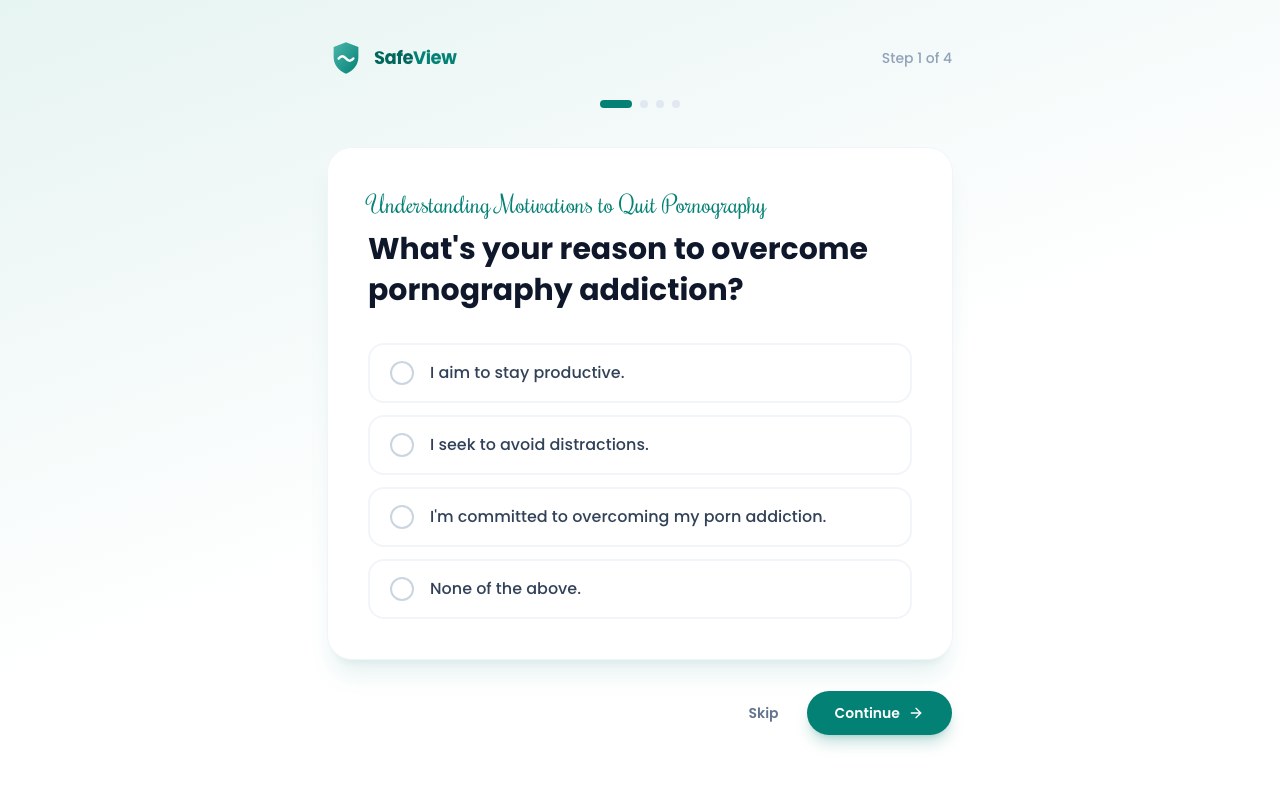
Install, answer four questions, then pin Safe View to your toolbar so it's always one click away.
Click Add to Chrome on this page, then confirm Add extension. The setup screen opens on its own.
Tell Safe View why you're here and what usually pulls you in. Your answers personalise the blocked page, and they stay on your device.
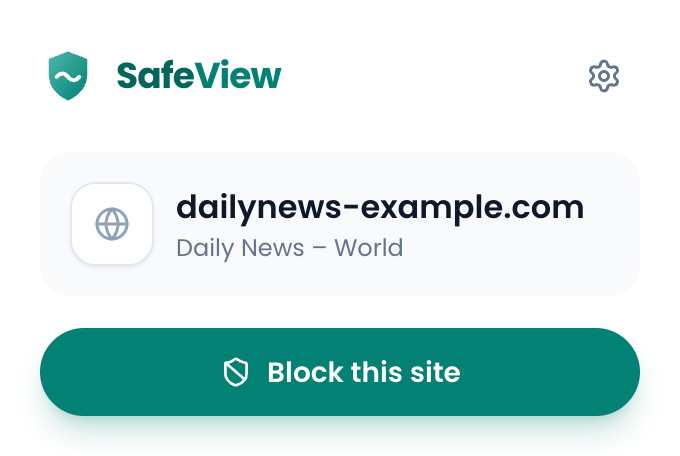
Click the puzzle-piece icon in Chrome's toolbar, then the pin next to Safe View. You can block the current site in one click from there.
Open chrome://extensions, select Details under Safe View, then turn on Allow in Incognito.
Safe View never sends the websites you visit, your keywords, your lists or anything you type.
Your history, lists and answers are kept in your browser, not on a server.
Which screens are used and coarse streak ranges help us improve Safe View. Nothing identifies you.
Usage counts are on by default. Switch them off at any time in Settings, and setup explains exactly what is sent.
No. Safe View never sends the websites you visit, your keywords, your lists or anything you type. Your data stays in your browser.
Yes. Safe View is free to install and use, and no account is required.
Yes. Open the dashboard, go to Settings and switch analytics off. The setup screen explains exactly what is sent before you choose.
Add them to your whitelist. The whitelist always wins, so anything on it stays open even if it matches a block rule.
Safe View runs in split incognito mode, so you can allow it in incognito from Chrome's extensions page.
Yes. The Reach out tool gives you a ready-made message for a partner. You choose who to contact and send it yourself.
Install Safe View, answer four short questions, and you're protected from the next page you open.
Add to Chrome